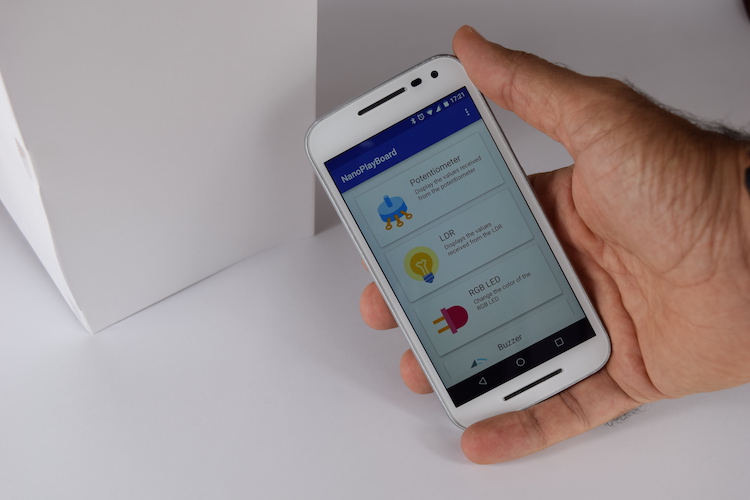
Android controlled RGB LED using NanoPlayBoard and Bluetooth
November 1, 2016
This article shows you how to control an RGB LED using an Android device, NanoPlayBoard and HC-05 Bluetooth module.
Inventory
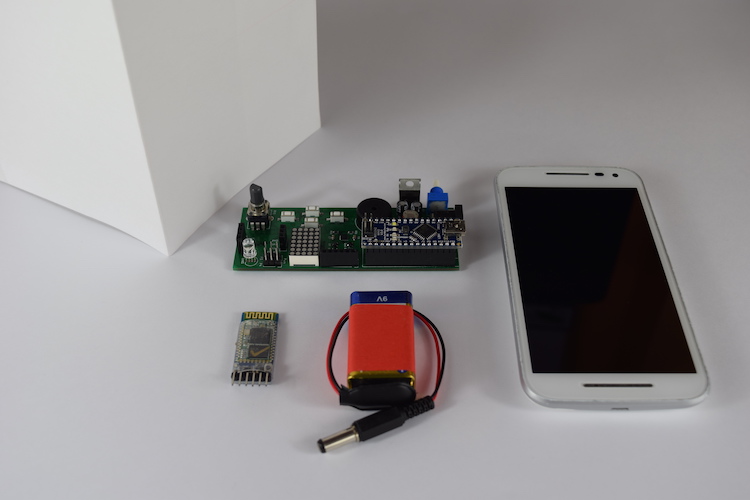
- NanoPlayBoard.
- 9v battery.
- HC-05 Bluetooth module.
- Android device.
- Paper box (made with an A4 paper).
Sketch
Upload this sketch on the NanoPlayBoard:
// Expected JSON message: {"r": 120, "g": 2, "b": 34}

#include <NanoPlayBoard.h>
#include <ArduinoJson.h>

NanoPlayBoard board;

void setup() {
  board.bluetooth.begin(9600);
}

void loop() {
  if (board.bluetooth.available() <= 0) return;

  String json = board.bluetooth.readStringUntil('\n');
  StaticJsonBuffer<200> jsonBuffer;
  JsonObject& root = jsonBuffer.parseObject(json);

  if (!root.success()) {
    board.bluetooth.println("{\"error\": \"Error parsing json message\"}");
    return;
  }

  int r = root["r"];
  int g = root["g"];
  int b = root["b"];

  board.rgb.setColor(r, g, b);
}
The source code of this sketch is available on GitHub.
Android App
UI